Your own words outrank our rules
Write “coastal, slow mornings, no motorways” and the route follows your words ahead of our pacing defaults.
Plan on the web, drive with the app. Your trips travel with you: in your pocket, editable on the road.
Free to plan. No account, no card.
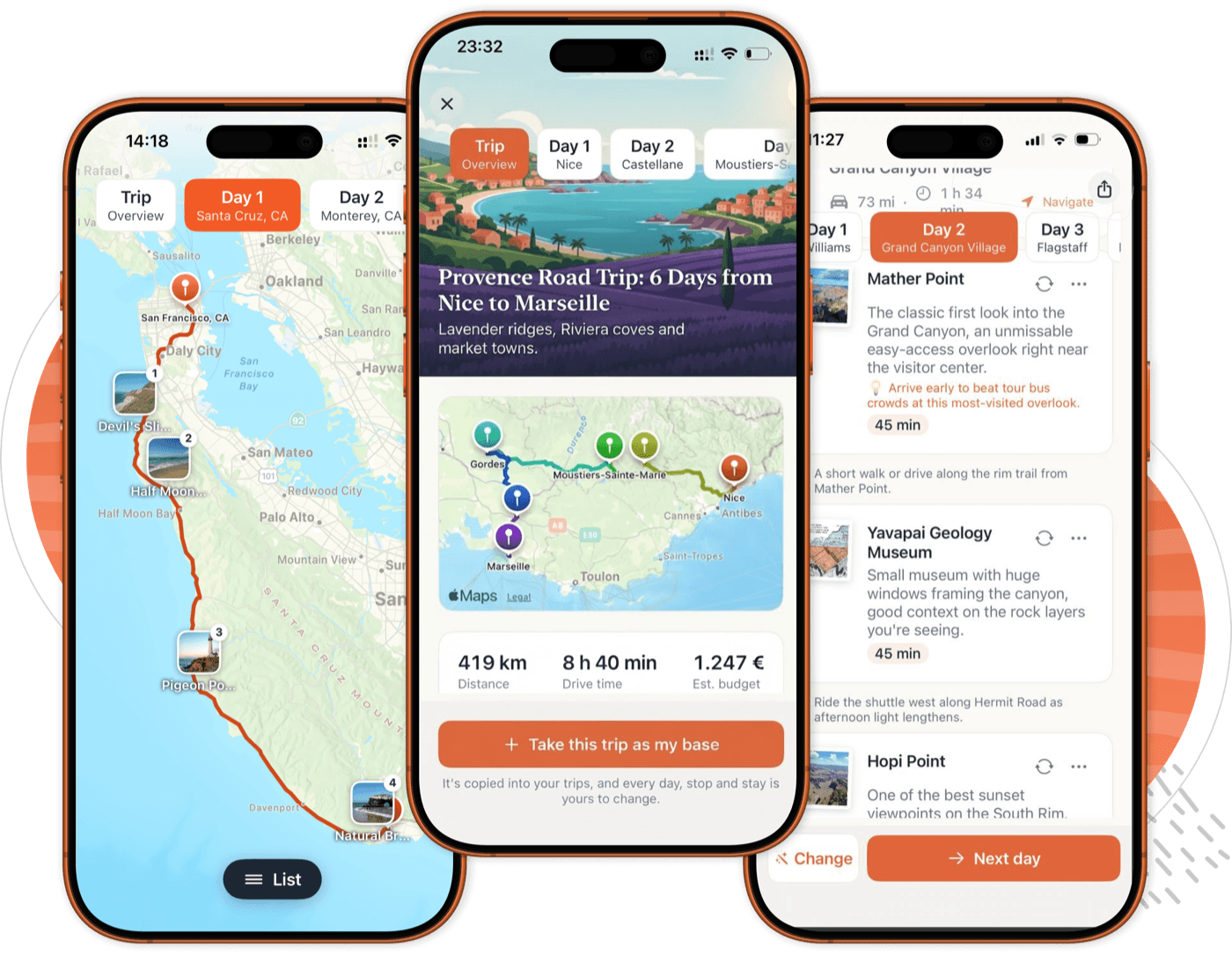
Real screens from the current build, not mockups.
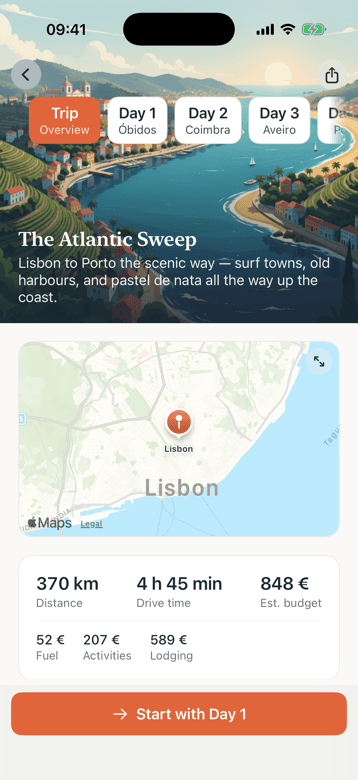
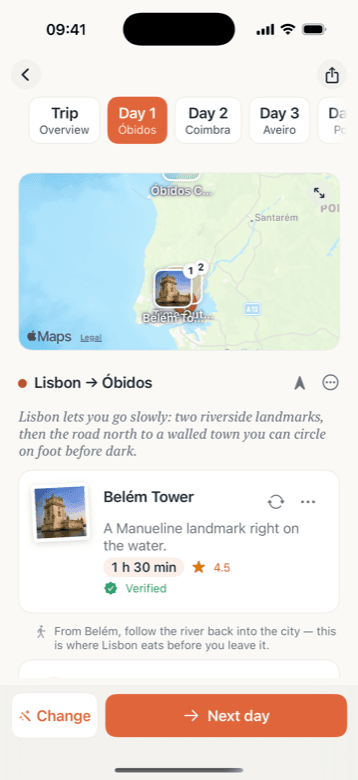
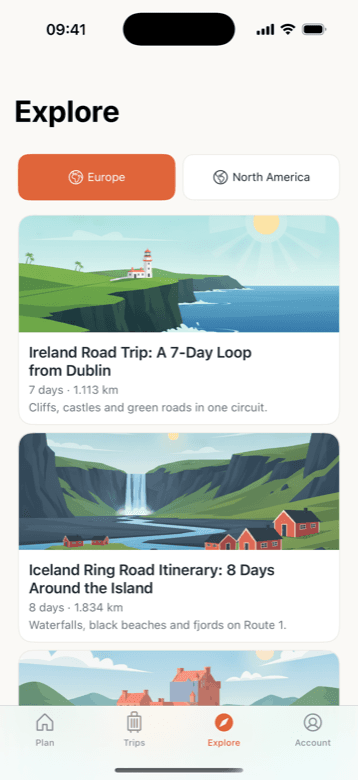
A plan is only useful if it survives contact with the road. These are the parts that do the work.
Write “coastal, slow mornings, no motorways” and the route follows your words ahead of our pacing defaults.
Each day is a strip of cards: drive, stop, meal, overnight. Every place has its time and a one-line reason.
Fuel comes from your car's own consumption, not an average. Food, stays, tolls and vignettes are added on top.
Enter your real range and charging stops appear inside the drive, sized to it. A charge can share a lunch stop.
Type “too much driving, and I want a swim” and that one day is rebuilt. The rest of the trip stays as it was.
Open the planner and go, with no account and no card. Sign up later and the trips you made come with you.
Everything plans fine in a browser. Four things only the app does, and all four happen after you set off.
Saved trips live on the phone. In a canyon, a ferry queue or a Pyrenean pass, tomorrow's plan is still there. Building a new trip still needs a connection.
Long trips take a minute or two to build. Lock the phone and go: a notification arrives when the itinerary lands, and opening it goes straight to the trip.
Every stop sits on the map with the real road between them, and each pin is one tap from the card it belongs to.
Swap a stop, rebuild a day in a sentence, add a night. The same edits as the web, sized for a phone you are holding while the tank fills.
Plan on a laptop over coffee and the trip is on the phone before you leave. Change it in the car and the change is on the laptop when you get home. Nothing to export, no second copy to keep straight.
Planning a trip is free to start, on the phone and on the web. Pro adds unlimited changes, longer trips, and ratings, prices and opening hours on the stops. Buy it on either one and it works on both.
$39.99 a year, or $3.99 a week
The annual plan starts with a 3-day free trial. Cancel anytime.
No third-party analytics or advertising kits ship in the app, so there is no App Tracking Transparency prompt and no advertising identifier to share.
Plan and even subscribe without one. Make an account later and the trips you already planned come with you. Deleting the account deletes the trips, from inside the app.
Used at kilometre accuracy to start a new trip from where you are. Skip the prompt and type the city instead.